Home › Play With Friends
How to Play WARDOGS With Friends
Season 1 Early Access · invite flow details are launch-sensitive
WARDOGS is built for coordinated groups — combined roles, shared vehicles, an economy that rewards teamwork with cash. Getting five friends into the same squad and keeping them effective is its own skill. Here's the workflow.
Before the Queue
- Agree on region, start time, faction (if selection is available) and who creates the group.
- Add everyone on Steam; check profile privacy and family settings don't block invites.
- Keep a Discord channel open until everyone's in the same match — the fallback that always works.
- Large group? Split into functional fire teams even if the UI allows one label. Community tests described unusually large squads, but no official limit is published.
Voice: Proximity vs Squad
- Proximity (local) voice — for passengers, nearby medics, drivers, strangers moving through your area. Nearby players can hear you in observed builds: bind push-to-talk and don't announce secret routes next to an enemy.
- Squad voice — for anything that must survive distance: objective choice, rally points, transport timing, enemy vehicle calls. Keep the format short: threat, direction/landmark, distance, response.
Roles, Not Classes
WARDOGS runs on "what you buy is what you are." Build the squad around tasks and let people swap:
Infantry
Contests terrain, clears routes, protects support.
Medic
Preserves players and their expensive kits.
Driver / Pilot
Moves the squad, maintains the return route.
Logistics
Delivers what's actually requested, repeatedly.
Builder
Places only structures the position can defend.
Recon
Spots routes and threats, relocates before predictable.
One player can hold two light roles — but never let the only medic also be the only pilot and only leader. A single death shouldn't remove every recovery option.
Rally and Transport Plan
- Don't assume spawn-on-squadmate — beta builds didn't have it. Plan for death costing travel time.
- Set a rally point near safe transport, a fallback behind the objective, and a rule for when the squad stops waiting for one late player.
- Drivers announce departure and destination; passengers are equipped before the vehicle arrives.
- On dismount, spread into cover — one clump is one mortar round's worth of squad.
Revives and Spacing
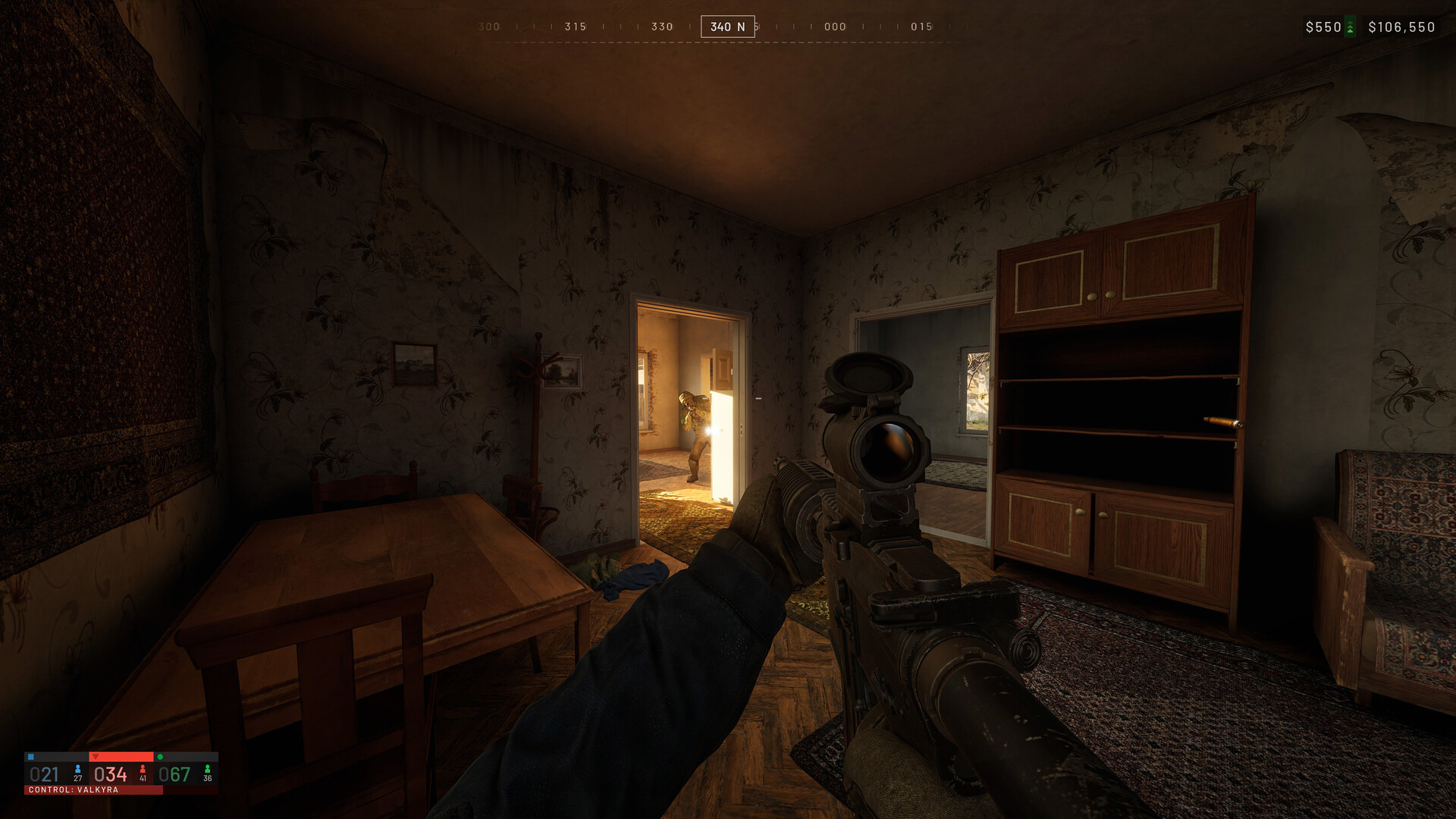
Close enough to trade and revive; far enough that one explosion can't delete everyone. Suppress or identify the threat before reviving — one player recovers the casualty while others watch the angle and the third team. Don't force revives in open terrain; two lost kits are worse than one.
Share the Economic Risk
One player fields the expensive vehicle; others bring repairs, anti-air awareness, medical support and escort. Five players independently buying five specialist answers to the same problem is how squads go broke — coordinate purchases with the money guide's four-layer priorities in mind.
Playing Solo
Use proximity voice at spawn: ask which squad is communicating, state a useful role, follow the existing plan before trying to lead strangers. Mute abuse, and use the official community channels (Discord/Reddit) for longer-term groups.
FAQ
- Can I use Steam to organize friends?
- Yes — Steam plus in-game grouping worked through tests. Verify the exact invite flow in the current build; menus change.
- Can we switch to the winning team together?
- Season 2 added friction: once a team leads by 10+ points, switching locks for 15 minutes after joining, and joiners get an obscured map plus no spawn vehicle until they reach the control zone. Joining friends still works — just expect to earn your way in.
- Can we party up before joining a server?
- Not in the current build — grouping happens in-server, which is a top community complaint (squads split across servers during prime time). Workaround: pick the server together before anyone joins, use the in-server grouping immediately on spawn, and fall back to proximity voice at base to reunite. Watch the patch notes — this is exactly the kind of flow Season 2's update could touch.
- Does WARDOGS have proximity voice?
- Yes, officially described — and locally audible. Push-to-talk, always.
- Can I spawn on my squadmate?
- Not reliably — plan transport, rally points and revives instead, and check the current deployment screen.
- Do roles have to stay fixed?
- No. Swap by situation; the roles above are jobs, not classes.
Sources: Team17 product descriptions, community coordination threads and Season 1 build observations (checked September 2026). Invite menus remain launch-sensitive.